How to use
How to use LamsaGuard.
First how it works in three steps. Then every button of the app, numbered: pick a tab, tap a number, see what it does and the screen you get next. Screens shown use a demo account.
How it works
Set it once. Trade calmer every day.
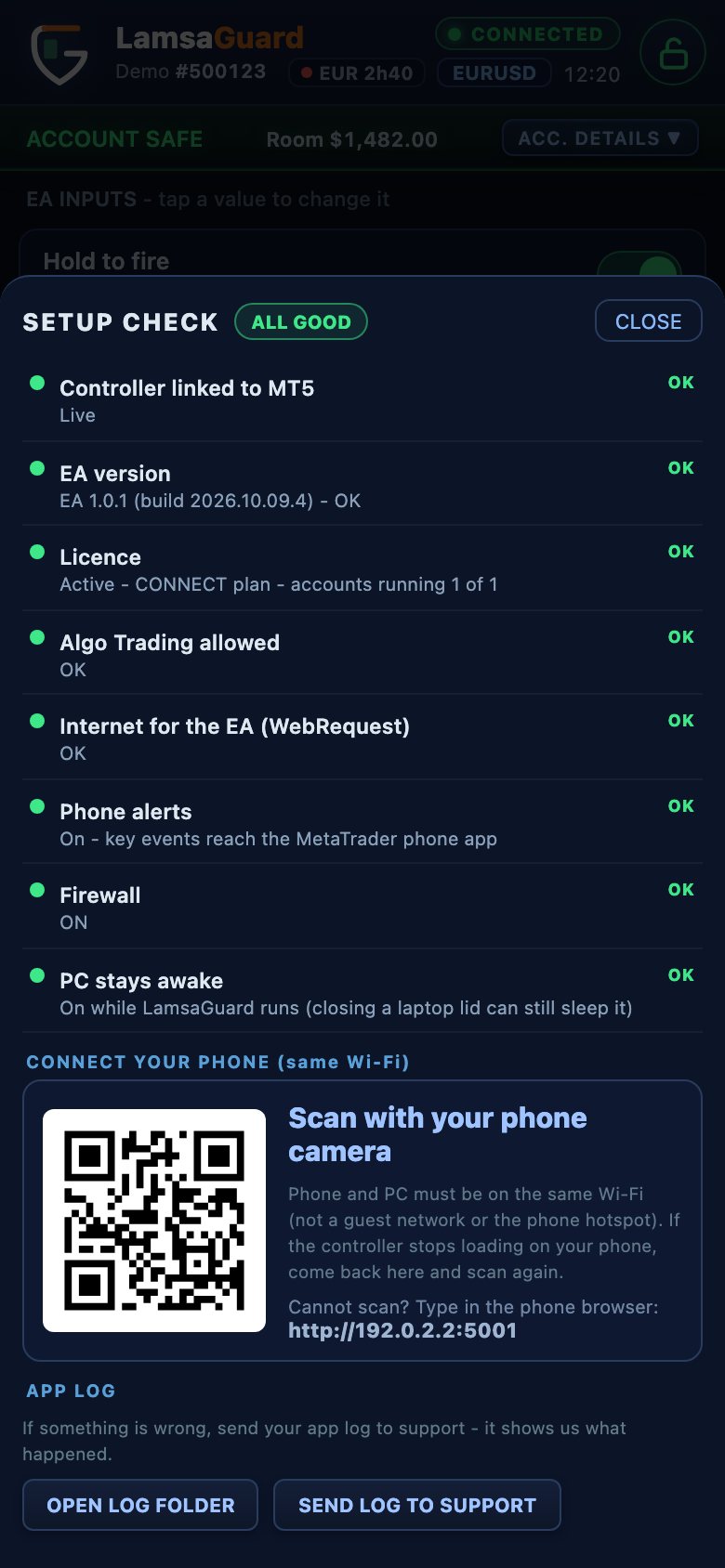
01
Install on your Windows PC
Download the installer from your account page. It adds the LamsaGuard EA to every MetaTrader 4 and 5 on the PC; attach it to one chart and start the LamsaGuard app. The setup check ticks every item for you.
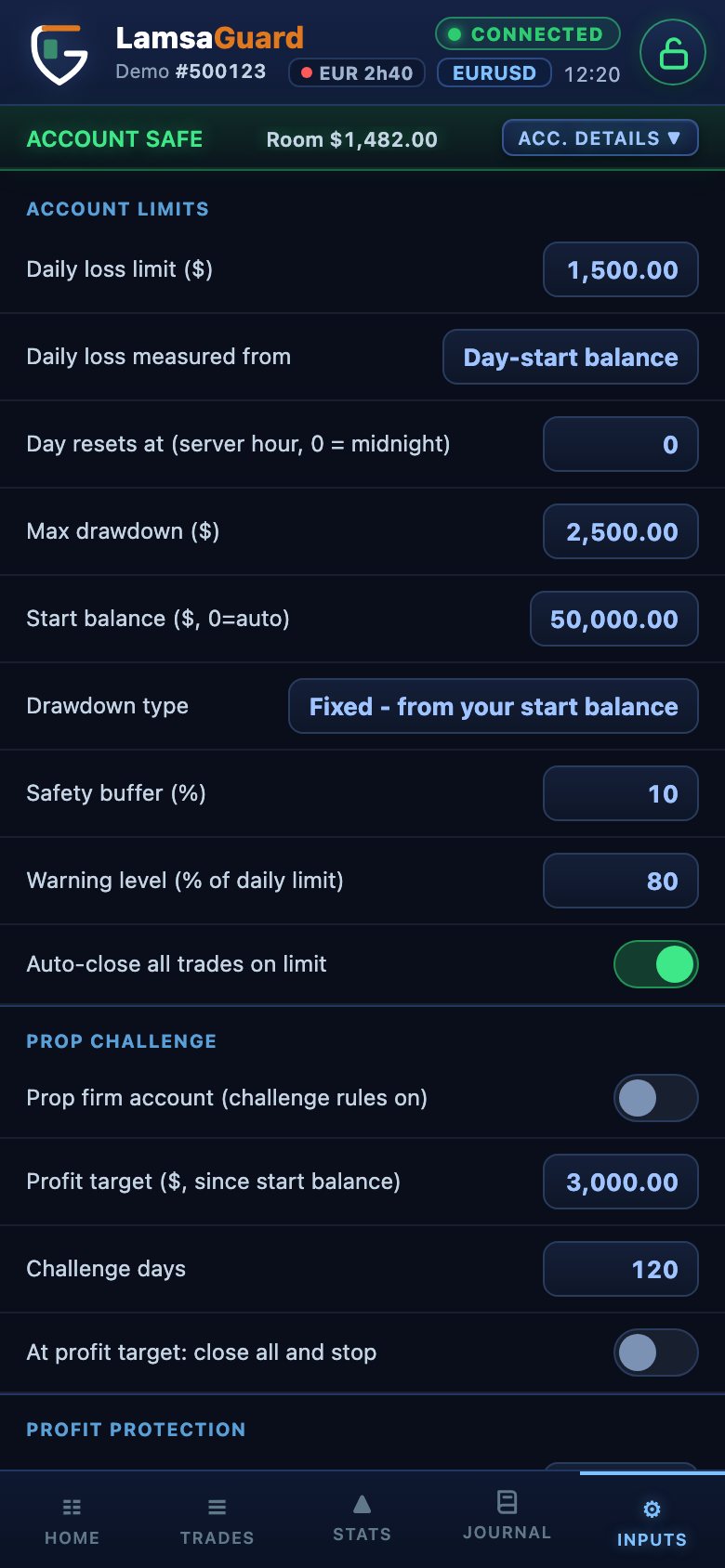
02
Set your limits once
Plain questions: daily loss, max drawdown, risk per trade, your trading rules. Personal account or prop challenge.
03
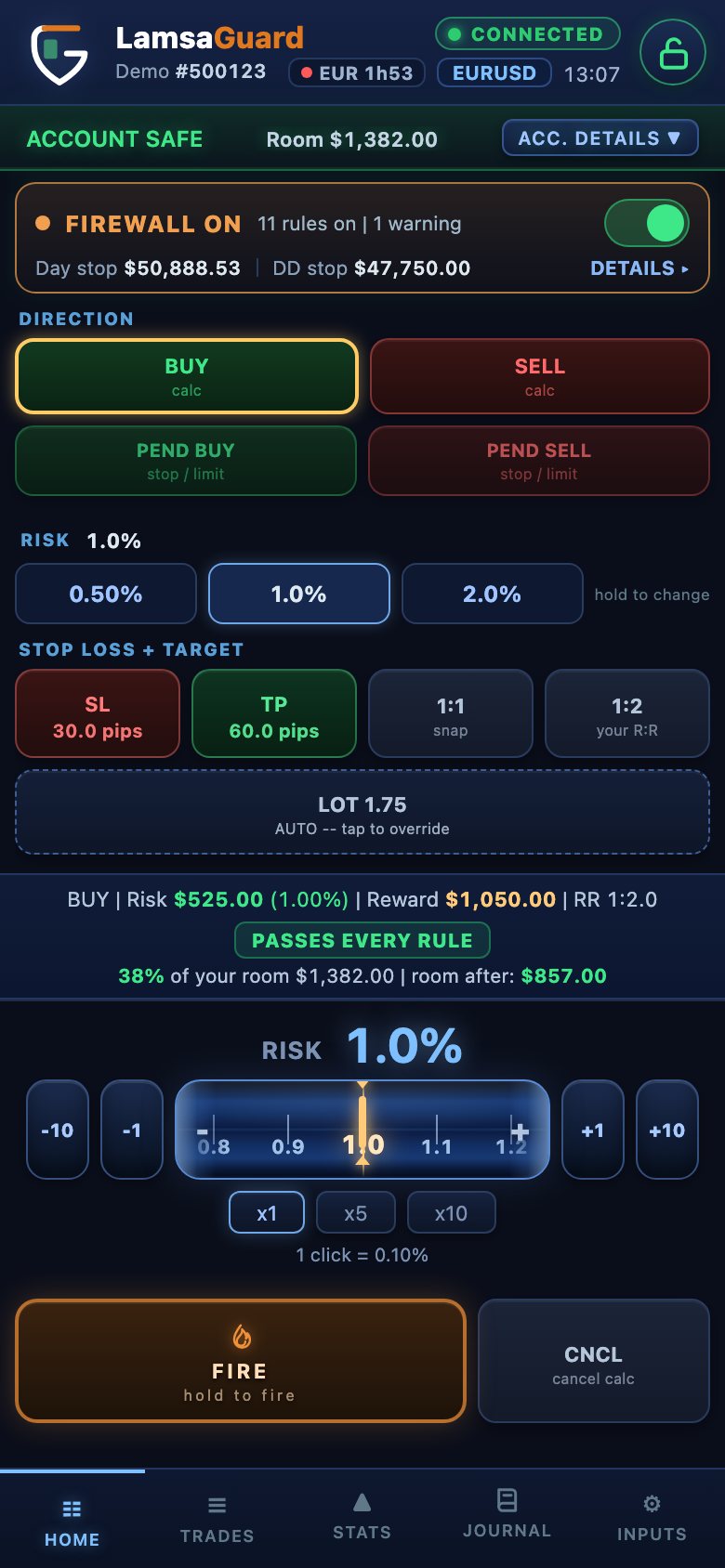
Trade from PC or phone
Use the controller beside MetaTrader, or scan the QR code with your phone. The firewall watches every order, even ones placed in MetaTrader.
Every button, explained
Press a button. See what it does.
THE 5 TABS OF THE APP
TAP A NUMBER
Screen 1 of 5
1
On a keyboard: ← and → walk through every button of every screen.
WHAT YOU SEE NEXT
Something not working? The Help center has the fixes, and the FAQ answers the common questions.